Desmos Music and Vernier Stopwatches
For the first time any audio can be played on Desmos.
</br>
Introduction
For quite some time now Desmos has been used to make simple melodies. The first person I could find was
this reddit post by Twitter user @aknauft. This worked by getting the notes of a melody and creating a graph where the y value was the frequency. A more detailed guide can be found in this amazing Youtube video by Ranny Bergamotte. In 2023 Desmos released the tone() function that revolutionised music in Desmos. It allowed for any sine wave to be played via tone(frequency, amplitude). The natural continuation to this is to try and play some arbitrary music but not many have succeeded in playing audio that is close to the source material.
Initial Attempts
The first people to try and import audio into Desmos ran a Fourier transform on the data converting the audio files into a series of frequencies, amplitudes and phases. Then by simply ignoring the phases and playing the frequencies and amplitudes you get a sub-par recreation of the audio. The earliest implementations I could find for this were by github user alorans, github user ascpixi and github user Y0UR-U5ERNAME. None of these guarantee perfect reconstruction as the crucial phase information is missed out.
Cracking Phase Calibration
Why Phase?
Phase is normally not detectable by our ears but relative phase is. For waves of the same frequency it is only detectable as a change in the volume but the effect of phase on waves of different frequencies is more complex as it changes the timbre of the sound.
How does Phase work?
For a sine wave its phase keeps changing and the amount it changes by is based on its frequency. So just waiting for some amount of time will change the wave’s phase. The JS WebAudio API has some quirks in the way it operates. An inspection of the source code reveals that when the frequency of a tone is changed the phase isn’t altered presumably to avoid popping or crackling when the frequency is altered. This behaviour can be exploited by “calibrating” the phase by playing some audio which sets the phase to the intended value and then playing the tone at the desired frequency and amplitude. Because the phase will not change when the frequency is altered.
Short Delay Approach
Since phase changes over time we can just wait for a short period of time however this time delay is too small and the builtin Desmos ticker can only fire every 20ms or so. This is too large and it is not precise enough for a correct phase shift.
Relative Phase Approach
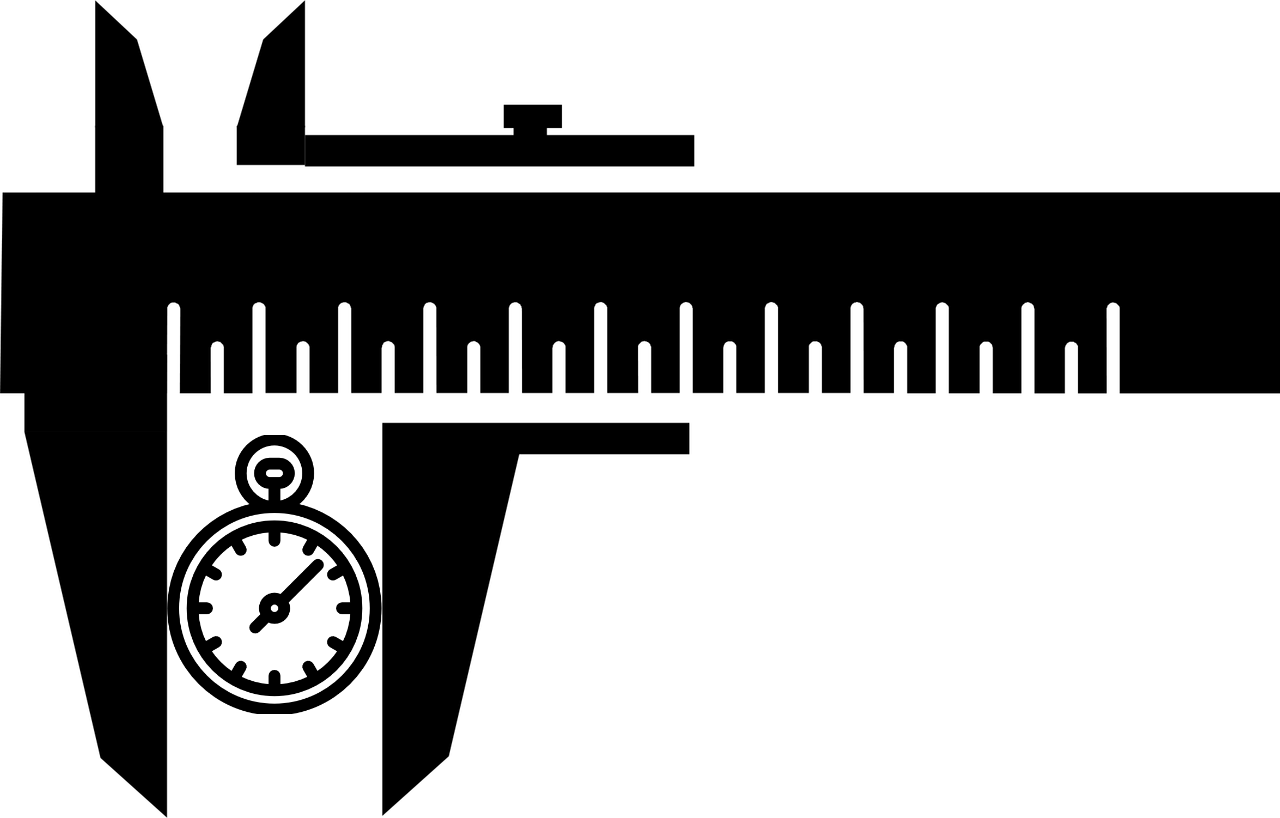
Since we can only work in large intervals of time we can borrow a page from the vernier callipers. In the vernier callipers two scales of different but similar spacings are used to measure values smaller than either of the scale’s spacings. This works because by offsetting the scales the markings will coincide at a different location. Similarly the frequency of a tone() function can be thought of as the spacing between the markings of the scales. So by playing two tone() functions at slightly different frequencies the phases will move at different speeds. This difference in speed will cause the two phases to drift just like a “vernier stopwatch”. By changing the frequency difference we can get a different phase difference for the same waiting time. Then the frequencies can be changed to what they need to be from the Fourier transform and the WebAudio API will preserve the phase.
Wrapper Architecture
With the ability to set the phase of tone() it is trivial to build a sound player. We can use three tone functions to cycle between the states of resting, calibrating and playing. The rest is required as if not the phase difference carries over. By setting the frequency list to an empty list we can essentially clear out the OscillatorNode objects and start the phase from 0 in the calibration step.